NRA online services in Bulgaria: login and free checks
The NRA's online services in plain English: log in with a PIK or QES, which reports are free, and where to check taxes and contributions online.
You need to check your liabilities, social security contributions or an employment contract, but the portal of the National Revenue Agency (НАП, also known as the NRA) looks complicated and you are not sure where to start.
In 5 minutes you will know how to log in to the portal and which report you need, explained in plain English.
❓What are the NRA's online services and how do you log in to the portal?
What are the NRA’s online services?
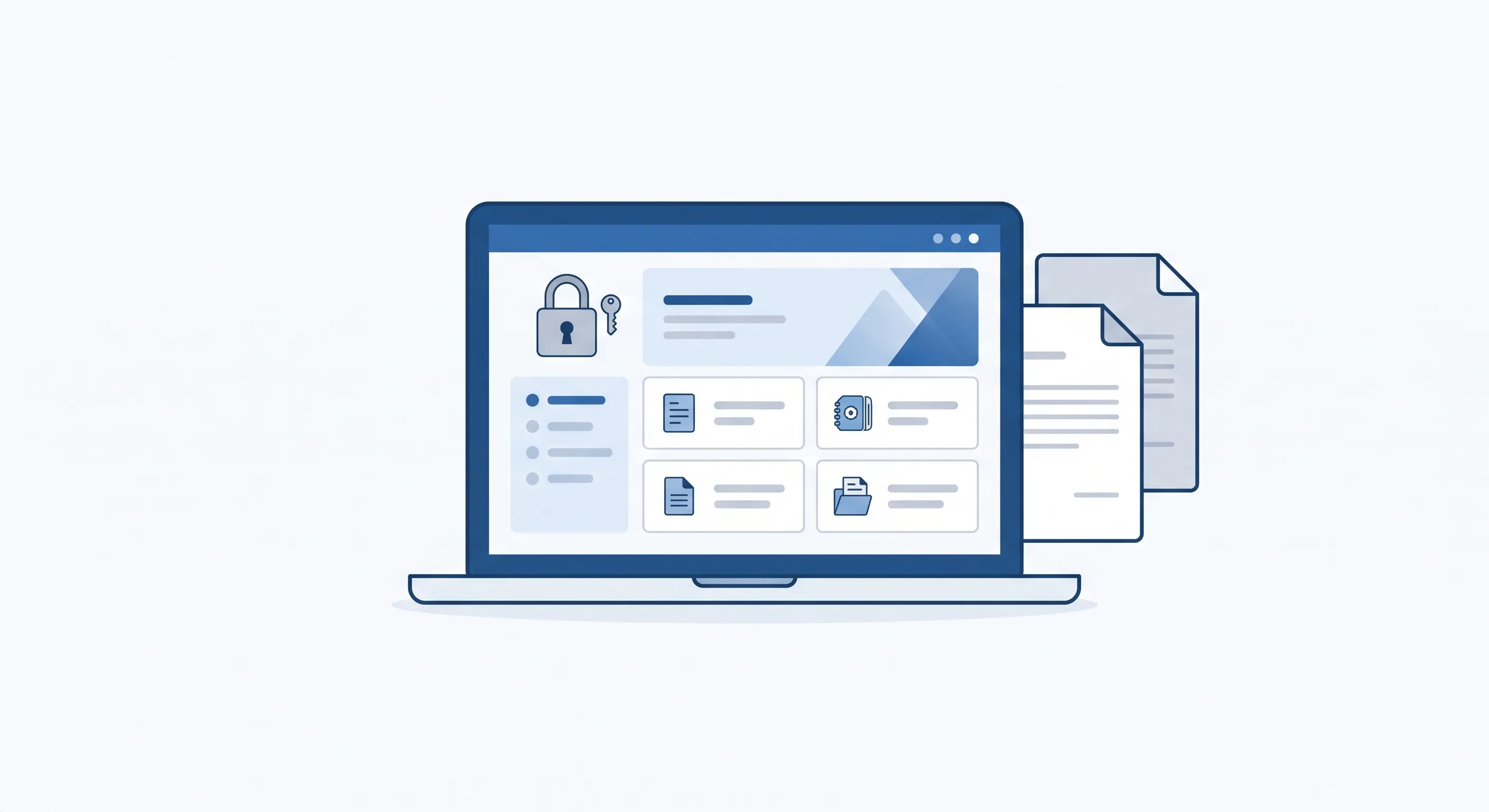
The NRA portal is a single place where you file tax returns, check taxes and social security contributions and obtain certificates without visiting a counter. The portal offers about 140 online services and is connected to more than 80 state information systems.
Most reports for individuals are free. Many of the services, however, are meant for companies and the self-insured (people who pay their own social security contributions), so below you will see which ones you actually need as an individual.
How to log in to the portal: PIK, QES or e-Authentication
There are three ways to log in. For ordinary personal reports the easiest and free option is the PIK. A QES (qualified electronic signature, КЕП) is handy if you already have an electronic signature for work, and e-Authentication uses your profile from the state’s electronic identification system.
| Login method | How to get it | Best for | Level of access |
|---|---|---|---|
| NRA PIK | Free, at an NRA office or online | Individuals, for personal reports | Basic reports and services |
| QES (КЕП) | Paid, from a trust service provider | Companies and frequent users | Full access, including signing |
| e-Authentication | With a profile in the e-identification system | People with an electronic identity | Depends on the level of the profile |
Choose ONE login method. For most individuals the PIK is enough and free.
Steps to log in to the portal
The NRA's official portal for online services
Choose a login method
PIK, QES or e-Authentication, depending on what you have
Enter your details
Your personal identification number (ЕГН) and PIK, or switch on your electronic signature
Choose the service
A report, tax return, certificate or payment
The NRA PIK is not the same as the NSSI PIK
This is the number one mix-up. The NRA PIK and the PIK of the National Social Security Institute (НОИ) are two different codes from two different institutions.
With the NRA PIK you log in for taxes and social security contributions at portal.nra.bg. With the NSSI PIK you log in for pensions and sick pay at eportal.nssi.bg. If you received a code from the NSSI, it will not work in the NRA portal.
Good news for people with an electronic signature: the portal works on a per-person basis. When you change your QES you do not have to submit access documents again, and your profile stays linked to you.
Ask Pravko and get an answer with citations from the law.
Which services are for individuals and which for business
The portal shows more than 20 categories of services, but most of them are for companies: VAT, SAF-T, Intrastat, fiscal devices, fuels, OSS/SME, CESOP and gambling. As an individual you really only need a few.
| Service category | Who it is for | Typical need |
|---|---|---|
| Reports | Individuals and companies | Liabilities, social security contributions, employment contract |
| Income taxes | Individuals | Annual tax return |
| Social security and employment contracts | Individuals and employers | Checking contributions and contracts |
| Certificates and copies | Individuals and companies | Certificate of liabilities |
| Payment | Individuals and companies | Paying taxes and contributions online |
| VAT, SAF-T, Intrastat, gambling | Business only | Company liabilities and reports |
As an individual you will usually use the first five rows. The rest are for companies.
The most useful reports for individuals
Here are the reports most people look for, and where to read about each one in detail. For each of them you log in with the same PIK or QES.
Reports you will actually need
Available in the portal with a PIK or QES
Checking liabilities to the NRA
Health insurance contributions by ЕГН
Social security contributions by ЕГН
Employment contract report
Pre-filled annual tax return
You will find detailed steps for each report here: checking liabilities to the NRA, checking health insurance contributions, checking social security contributions, the employment contract report and the annual tax return.
Are the services free?
Reports for individuals in the NRA portal are free. You only pay for a QES, and you pay it to the provider of the electronic signature, not to the NRA. For personal reports the free PIK is entirely sufficient.
What the services cost for individuals
Reports on liabilities and contributions
€0
NRA PIK
Issued free of charge
€0
Certificate of liabilities (Art. 87(6) ДОПК)
Free of charge electronically, within 7 days
€0
QES (electronic signature)(optional)
Not required for personal reports
fee paid to the provider
Total
€0.00
Reports and the PIK are free. The QES is the only paid option and is issued by a private trust service provider.
Local taxes are NOT in the NRA portal
Property tax, the household waste fee (такса смет) and the vehicle tax are not checked or paid in the NRA portal. They are collected by the municipality, not by the NRA.
If you are looking for these liabilities, see how to check them in the article on local taxes and fees. A check in the NRA portal will not show them.
Tax and Social Insurance Procedure Code (ДОПК)
Art. 87(6)
The certificate of the presence or absence of liabilities from the NRA is issued free of charge, including electronically, within 7 days.
Official Bulgarian text
„Органът по приходите издава удостоверение за наличието или липсата на задължения по искане на задълженото лице или въз основа на акт на съда в 7-дневен срок от постъпването на искането.“
Common problems and mistakes
A few situations come up most often. Here is how to recognise them and what to do.
Delays with electronic employment contracts
Services connected with electronic employment contracts sometimes run with a delay. If a report does not load straight away, try again later before deciding there is a problem with your access.
Forgotten PIK or changed QES
If you have forgotten your PIK, you request it again and the code is reissued free of charge. When you change your QES you do not need a new access application, because the portal recognises the person, not the specific signature.
The wrong portal
The NRA portal is portal.nra.bg, while the NSSI portal is eportal.nssi.bg. If you are looking for a pension or sick pay, that is at the NSSI, not the NRA. Check the address in your browser before you enter your code.
Frequently asked questions
How do I get a PIK from the NRA?
The NRA PIK is issued free of charge. You request it at an NRA office with your ID card or online. You receive the code personally and should keep it like a password, because it gives access to your personal taxes and contributions.
What is the difference between a PIK and a QES for NRA services?
The PIK is a free login code, suitable for personal reports. A QES (qualified electronic signature, КЕП) is a paid electronic signature that gives full access, including signing documents. For ordinary individuals the PIK is almost always enough.
Can I use NRA services without registering?
To check your own records you do not need a separate registration or a company profile. You log in directly with a PIK or QES. Registration is needed mainly by companies and the self-insured.
Why can’t I see my local taxes in the NRA portal?
Because local taxes and fees are collected by the municipality, not by the NRA. In the NRA portal you see state taxes and social security contributions, but not property tax, the household waste fee or the vehicle tax.
What is e-Authentication in the NRA portal?
It is a login through the state’s electronic identification system. You use your profile from it instead of entering a PIK. It is convenient for people who already have an electronic identity.
Not sure which report you need or why your data does not show up? Describe your situation to Pravko, a free AI legal assistant that explains Bulgarian law in plain language, and get a clear answer with citations to the law.
Ask Pravko and get an answer with citations from the law.
⚠️ Important
Pravko provides legal information, but it does not replace advice from a lawyer. For important legal matters, consult a licensed lawyer.